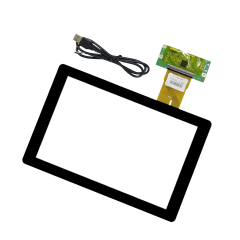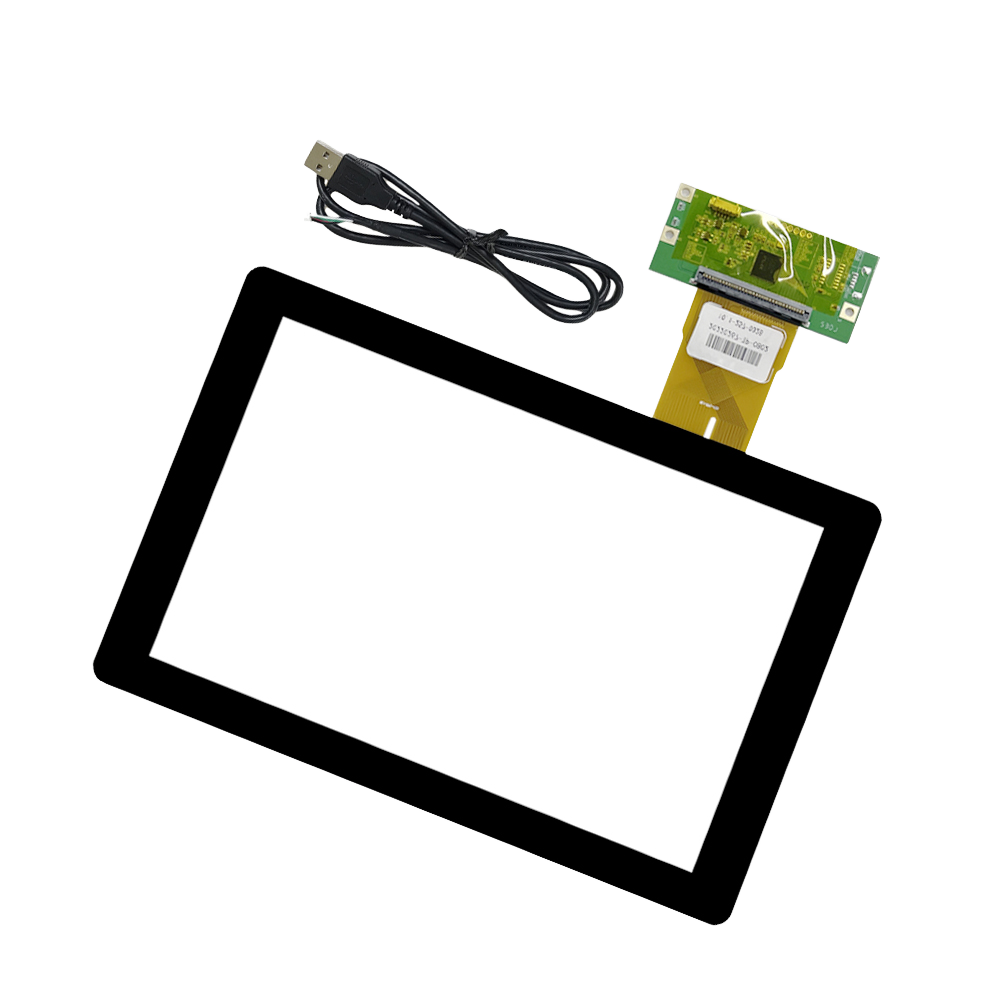


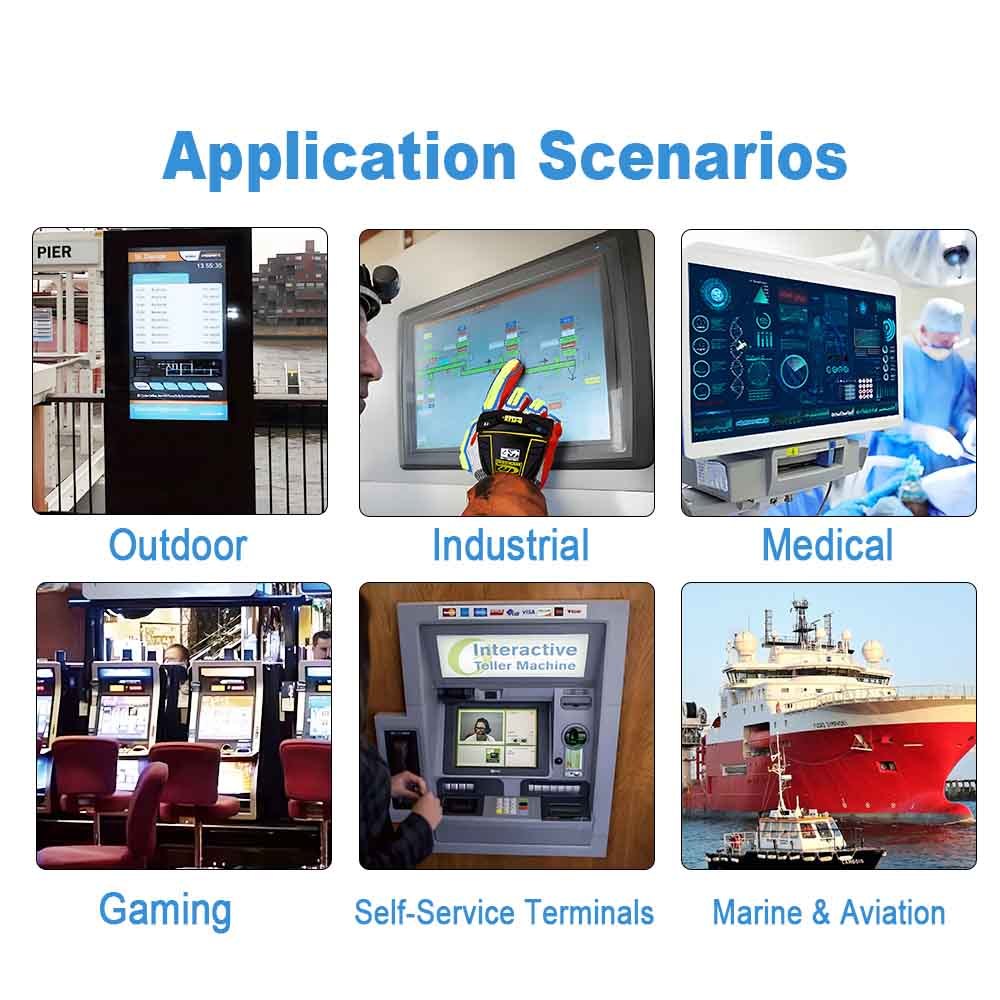

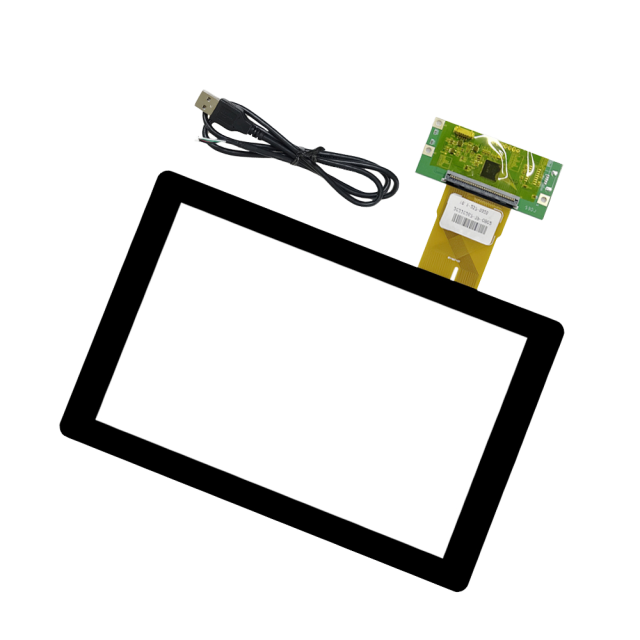



The EG-SY-10.1-A-1609V1 is a 10.1 inch capacitive touch panel built to give equipment makers a sealed, glare-tolerant front surface for kiosks, self-service terminals, control consoles and outdoor information points. The front face is an IP65 front waterproof touch panel with an anti-glare finish, so a splash of water or a bright overhead lamp does not reach the electronics or wash out the display behind it. Inside the panel, a projected capacitive touch sensor sits behind a glass cover in a G+G stack.
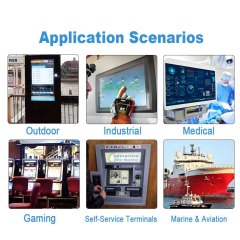
The 16:9 active area sits inside an outline proportioned for a wide range of existing commercial bezels. The USB interface and 5 V supply keep bench testing simple — plug the USB touch panel into a host PC before committing an enclosure to tooling. For teams developing self-ordering kiosks, vending interfaces, access-control terminals, outdoor ticketing machines and industrial HMI consoles, this industrial touch panel is the layer that belongs behind a sealed front window.
G+G under the glass. This projected capacitive touch panel pairs a 2.0 ±0.2 mm cover glass with a 0.55 ±0.05 mm sensor glass, bringing the full stack to 2.75 ±0.2 mm. The cover glass carries the impact and cleaning load while the sensor glass holds the ITO electrodes, so the touch layer stays electrically consistent even when the front is scuffed. A G+G structure touch panel trades a little thickness for a noticeably more stable surface under heat and humidity than a film-based stack.
Why the COB connector matters. The touch controller is mounted directly on the panel's own board instead of sitting on a separate daughter card linked by a flex tail. Solder joints stay fixed in one plane, and the USB touch panel connects through a single point of entry. In practice this removes the most common source of intermittent touch behaviour on commercial panels, where a flex tail separates slightly from the connector after months of vibration.
Anti-glare front surface. On this anti-glare touch panel the cover glass is finished to scatter reflected light across the surface rather than throwing it straight back at the viewer. In a lobby, kiosk or control room with bright overhead lighting, the display underneath stays readable without a hood or extra brightness.
IP65 front sealing and dimensional control. The front face is rated IP65, which keeps water spray and dust on the outside of the enclosure as long as the panel is compressed against a continuous gasket in your bezel. Because every critical dimension on this IP65 front waterproof touch panel is held to the drawing's tolerance bands, the seal face lines up with the same gasket groove from unit to unit.
| Model | EG-SY-10.1-A-1609V1 |
|---|---|
| Screen diagonal | 10.1 inch (16:9) |
| Touch technology | Projected capacitive, G+G structure |
| Connector | COB |
| Outline dimension | 153.20 × 251.00 mm (±0.2 mm) |
| View / active area | 126.20 × 224.00 / 127.20 × 225.00 mm (±0.2 mm) |
| Thickness stack | 2.75 mm total (0.55 mm sensor + 2.0 mm cover) |
| Tail length | 65.07 mm |
| Transmittance | >85% |
| Touch input | 1–10 points, finger |
| Interface | USB 5 V, 100 Hz / 50,000,000 touches |
The production drawing for this panel is not a sketch — it is the document that keeps every unit interchangeable. The drawing dimensions a G+G structure touch panel part by part — outline, view area, active area, cover thickness, sensor thickness and tail exit — and carries the tolerance bands (±0.2 mm for dimensional, ±0.05 mm for sensor, ±0.2 mm for cover and total) that the factory holds to. For an equipment maker, that means the second batch of panels drops into the first batch's enclosure without re-drilling bezel holes or adjusting gaskets.
View area and active area are dimensioned separately, each with its own ±0.2 mm band, because the visible aperture and the electrical touch field are not the same rectangle. Section drawings also flag where the tail exits, which matters when your enclosure routes the USB cable to a controller board on the other side of a bulkhead.
For an equipment maker choosing a capacitive touch panel supplier, that dimensional stability is what separates a panel that slots into the second enclosure from one that needs a new gasket each time. Before you commit tooling, review the current drawing against your enclosure CAD, particularly the bezel inner edge, gasket groove and cable exit position. If a dimension needs to sit tighter for your application, tell us early so we can check the tolerance against what the factory can hold in production.
Before an order, our engineering team works through the details with you rather than shipping a generic panel. Send us your enclosure drawing, host interface and intended environment, and we will check the 10.1 inch capacitive touch panel against your bezel, confirm the interface and controller match your board, and flag anything in the drawing that will need a tighter tolerance. A capacitive touch panel supplier that only quotes a price leaves you to find integration problems during assembly; we would rather find them on paper first.
Once the panel is in production or in the field, the same team stays on the case. A long service life reduces the frequency of field maintenance, so calls are more likely to be about the enclosure, the host software or the gasket than the touch layer itself. If something does behave unexpectedly, we help trace it — controller settings, calibration, tail routing or bezel sealing — and arrange replacement through the standard order process. Our Dongguan facility has been a touch panel manufacturer since 2011, so support stays with the people who designed and produced the part.
Choosing the right touch module for a new enclosure is usually a joint exercise, so our engineers work directly with your design team from the first drawing. Send us your mechanical outline, interface and operating environment and we will match a configuration from our range, confirm tolerances and share drawings for review before tooling. When something behaves unexpectedly in the field, we help trace it — controller settings, calibration, sealing or assembly — and give installation and start-up guidance. With 15 years in the touch industry and our manufacturing base in Dongguan, support stays with the people who build the part.
The panel is a G+G stack: a glass cover bonded over a glass sensor, with the touch controller built into the panel's own PCB rather than carried on a separate daughter card. That is why the COB layout matters — the USB connection lands on one fixed entry point, with nothing flexing between boards. The glass-to-glass bond keeps the front rigid under daily tapping, and the sensor glass holds the ITO pattern that reads finger position.
The cover glass carries an anti-glare finish that scatters reflected light across the surface instead of mirroring it, so the display behind it stays readable under overhead lights, shop windows or glass atria. At the same time, the touch layer transmits more than 85% of light, so colour and contrast from the display underneath come through without an obvious milky haze or dimming effect.
It reads 1 to 10 finger touches at once, reports at more than 100 Hz and responds in under 50 ms. Touch linearity is ≤1.0% on both the X and Y axes, which means a tap lands where the finger actually fell rather than drifting toward the centre of the panel. On a kiosk or HMI screen, that keeps closely spaced on-screen buttons usable and multi-finger gestures smooth.
A single USB cable carries both power and touch data. The panel runs on USB 5 V and draws under 0.6 W, so it does not need a separate supply rail. The tail is long enough to reach a controller board behind the display, which keeps cable routing inside the enclosure simple on a kiosk or control console build.
The rated service life is more than 50,000,000 touches. In continuous commercial operation — a self-service terminal, a ticketing kiosk, a factory HMI panel across daily shifts — that figure covers years of tapping before the touch layer itself becomes the limiting factor, so maintenance on installations using this panel tends to involve the enclosure and the host software rather than the panel surface.
The front face is rated IP65, which keeps water spray and dust on the outside of the enclosure as long as the panel is fitted against a continuous gasket in your bezel. Daily cleaning with a soft cloth and mild cleaner is fine on the glass cover; avoid abrasive pads and solvent-heavy cleaners, which wear the anti-glare finish over time. The rear of the panel and the USB connector are not sealed, so keep them on the dry side of the enclosure.
Check the current drawing against your bezel — outline, view area, active area, tail exit position and gasket groove — and tell us early if a dimension needs to sit tighter than the standard tolerance. Also confirm the host interface (USB is standard on this model) and how the USB cable will be routed inside the enclosure. If you need cover-glass, tail-length, connector or bonding changes to better suit your product, ask us about the options before production starts; as your capacitive touch panel supplier, we will send the updated drawing, timing and testing notes that go with the change.